AI disclosure: this content, including any imagery, was artificially generated.
Pick a style, a placement and a size, describe what you want the design to show, and this tattoo design generator draws it as flash art you can take to an artist. It is free, there is no signup, and nothing is uploaded — you describe the design in words and the artwork comes back in 30 to 60 seconds. What you get is a starting point for a conversation with an artist, not a finished tattoo.
AI-generated image. This design was generated by AI. It is a starting point to take to a tattoo artist, not a finished tattoo — an artist will adapt the linework, spacing and shading for your body and for how the ink will age.
What you send is the style, placement and size you pick plus your short description — no account, no photo, no upload. Your description is sent to our image provider to draw the design, and the provider keeps it briefly for abuse monitoring.
What it draws
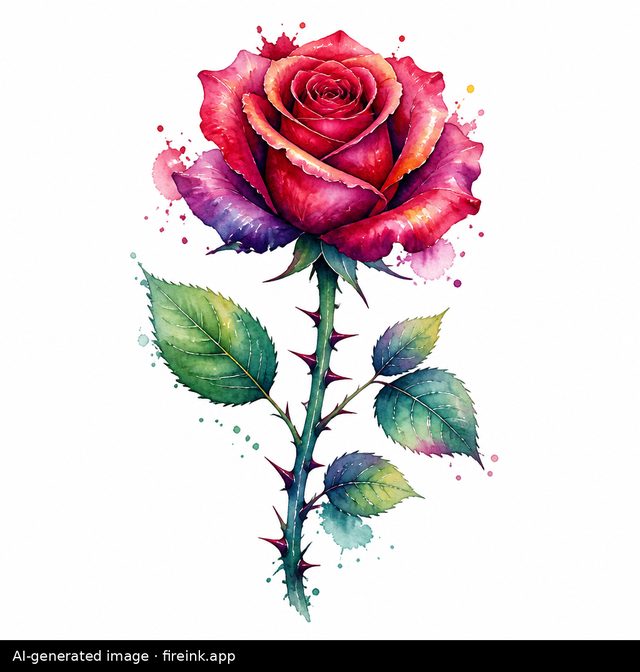
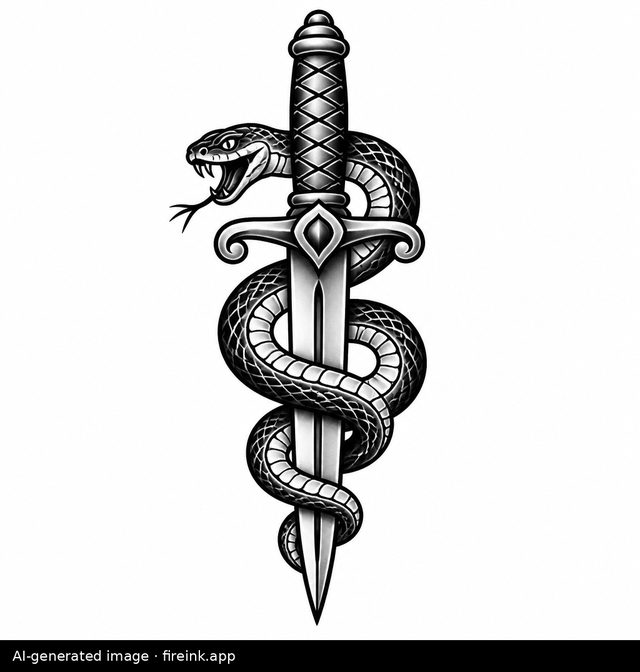
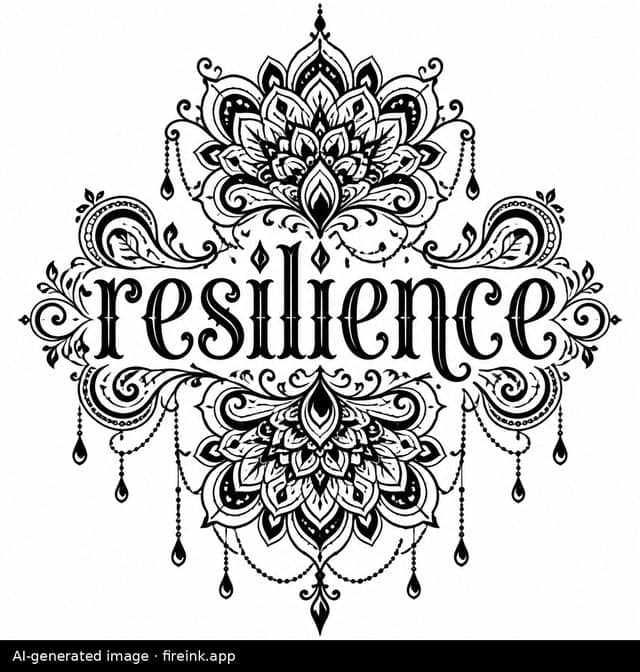
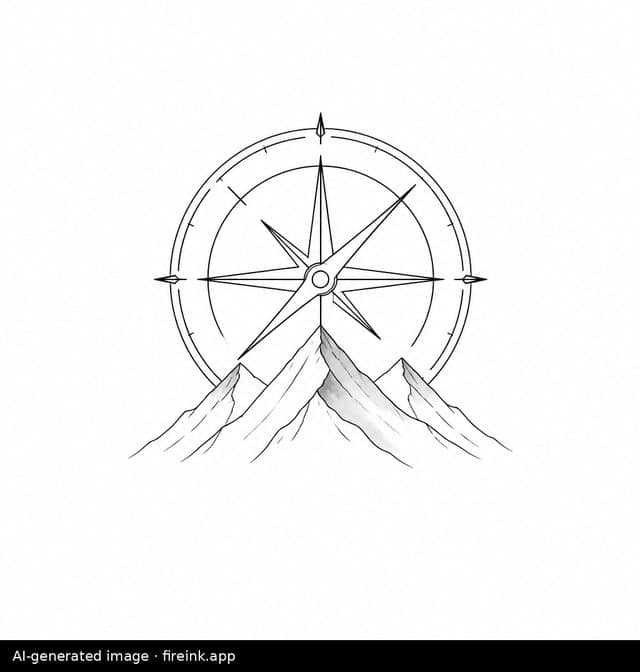
Four unedited outputs from this generator, exactly as returned. Each carries the AI disclosure it is downloaded with; the caption is the brief that produced it.
How it works
Four choices and a short description. The style decides how the design is drawn — a fine line rose and a traditional rose are the same subject rendered by two completely different sets of rules. The placement shapes it, because a design for an inner forearm wants a tall composition and one for a wrist wants a compact one. Size controls how much detail belongs in it: at four centimetres, detail that looks beautiful on screen becomes a smudge in five years. Ink sets black and grey, solid black, a limited palette or full colour.
Then you describe the subject in a few words. “A compass and mountains” works better than a paragraph. Short descriptions leave the composition room to breathe, and crowded ones tend to come back crowded. The design arrives on a plain background as flash art: line work and shading, no skin, no mockup, nothing pretending to be a photograph of a finished piece.
The styles
Eighteen styles, and they age very differently from one another. American traditional, blackwork and tribal use heavy lines and solid fills, which is why decades-old work in those styles still reads clearly. Fine line, minimalist, dotwork and ornamental are built from thin marks that soften as ink settles into skin. They are beautiful, and more demanding of both the artist and the placement. Watercolour, illustrative, sketch and new school lean on colour and painterly effect. Japanese, neo-traditional, geometric, engraving, botanical, script and black-and-grey realism each carry their own conventions.
If you are undecided, generate the same subject in two or three styles. Seeing one idea drawn three ways is usually more useful than reading about the differences.
Six of the styles have their own page, each with real example outputs and the generator pre-set to that style: script and lettering, fine line, American traditional, tribal, minimalist and Japanese.
What this does well, and what it does not
It is good at showing you a direction. If you have a subject in mind but cannot picture how it looks in blackwork versus fine line, or how a design sits vertically on a forearm, a generated design answers that in under a minute and costs you nothing.
It is not a tattoo, and it is not a stencil. An artist will redraw it. Line weight has to change so the design survives twenty years of ink spread. Spacing opens up so detail does not close in as it heals. The composition gets adapted to the actual curve and movement of the body part it goes on, which no flat image can account for. That redrawing is the craft you are paying an artist for, and a generated image is a brief for it rather than a replacement.
Some things it will not draw at all: brands, logos, film and game characters, and real people. Those belong to someone else, and a tattoo is permanent. A design built on another rights holder’s property becomes a problem the person wearing it carries. For a portrait of someone you love, take your own photograph to an artist who specialises in portrait work. That is a job for a human.
Taking a design to an artist
Download the design and bring it as a reference, not as an instruction. Say what drew you to it: the subject, the weight of the line, the way the negative space sits. That tells an artist far more than the image alone. Expect them to change it, and take that as a good sign. An artist who redraws your reference is doing the part that makes it last.
Ask to see healed work in the style you want, not just fresh photographs. Fresh ink always looks sharp. Healed work, a year or two on, is what tells you how an artist’s line holds up. In fine line and watercolour especially, that difference is the whole decision.
Questions
Is it free?
Yes, and there is no signup. There is a small daily limit per visitor so the generator stays available to everyone.
Do I need to upload a photo?
No. There is no upload of any kind. You choose from the options and type a short description; that is everything the generator receives.
Can I use the design for a real tattoo?
Take it to an artist as a reference. They will adapt the linework, spacing and shading for your body and for how the ink will age. Handing a generated image to an artist and asking them to copy it exactly is how you end up with something that looks worse in five years than it did on the day.
Why does my description get refused sometimes?
Brands, logos, characters and real people are blocked, along with explicit and graphic content. If you were describing something ordinary and it was still refused, rephrasing usually works. Describe the thing itself rather than naming something that depicts it.
How long does it take?
Usually 30 to 60 seconds. The page keeps checking while the design is drawn, so leave the tab open and it will appear on its own.
Is there an age limit?
Yes. The generator is for people aged 18 and over, which matches the legal age for getting tattooed in the UK and across US states.